How to Keep Using Elgato Stream Deck with Microsoft Teams After API Deprecation

If you’ve been using your Elgato Stream Deck to control Microsoft Teams, there’s an important change coming: starting December 2025, the official integration will stop working. This is confirmed in the Elgato Marketplace, and it’s happening because Microsoft is removing the third-party API that powers these features.
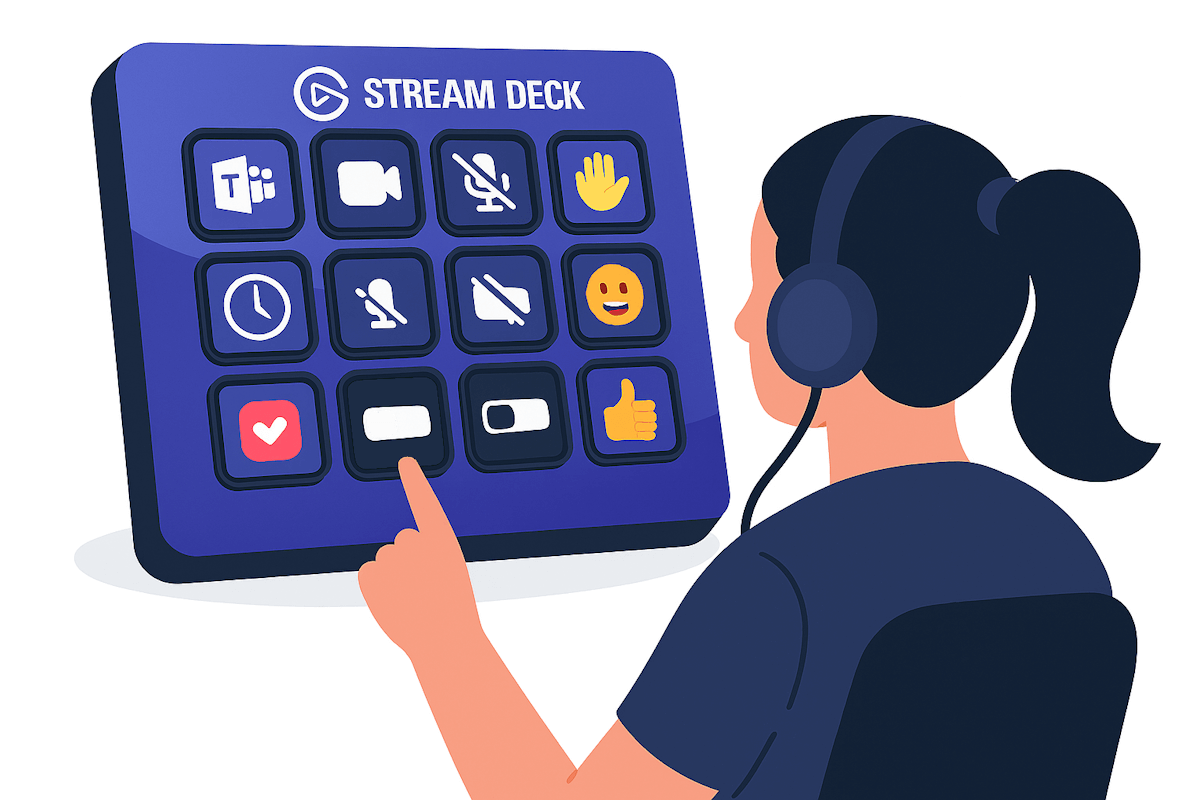
Elgato Stream Deck Microsoft Teams API deprecation

(more…)

How to Keep Using Logitech MX Creative Console with Microsoft Teams After API Deprecation

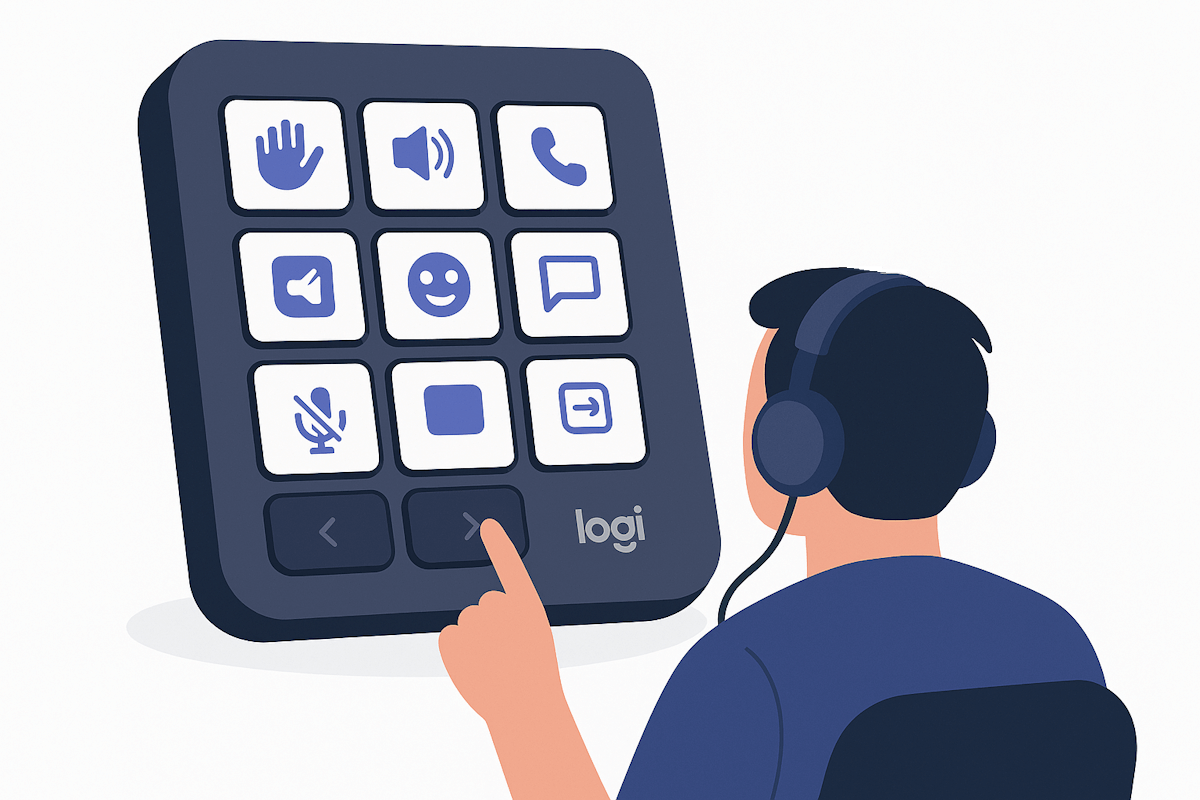
So… Microsoft decided to kill the third-party API integration for Teams. Yep, the same API that made your Logitech MX Creative Console super handy for reactions and quick actions. This change is rolling out in December 2025, and if you’ve been using the console for Teams, you’re probably thinking: “Great… now what?”

Don’t panic. Your investment in that shiny console isn’t wasted. You can still make it work with Teams — just in a slightly different way.

Logi MX Creative Console

(more…)

How to Fix the Broken Connection Between Exchange Calendar and Microsoft Teams

Recently, I encountered an interesting connectivity challenge between Exchange calendars and Microsoft Teams. One day, everything was running smoothly when suddenly my Teams room devices began experiencing issues. If this sounds familiar, let me share the troubleshooting journey and solution that could save you considerable time.

Microsoft Teams Calendar

(more…)

How to Use Elgato StreamDeck With the New Microsoft Teams

Do you want to supercharge your Microsoft Teams meetings with handy shortcuts that are just a few clicks away? If you do, then you might want to check out Elgato StreamDeck, a customizable controller that lets you create and execute actions with a single tap.

One of the coolest features of StreamDeck is that it integrates with Microsoft Teams, the popular communication and collaboration platform. With StreamDeck, you can control your Teams meetings with ease, such as muting/unmuting your microphone, turning on/off your camera, raising/lowering your hand, sharing your screen, and more.

Use Elgato StreamDeck with the new Microsoft Teams

(more…)

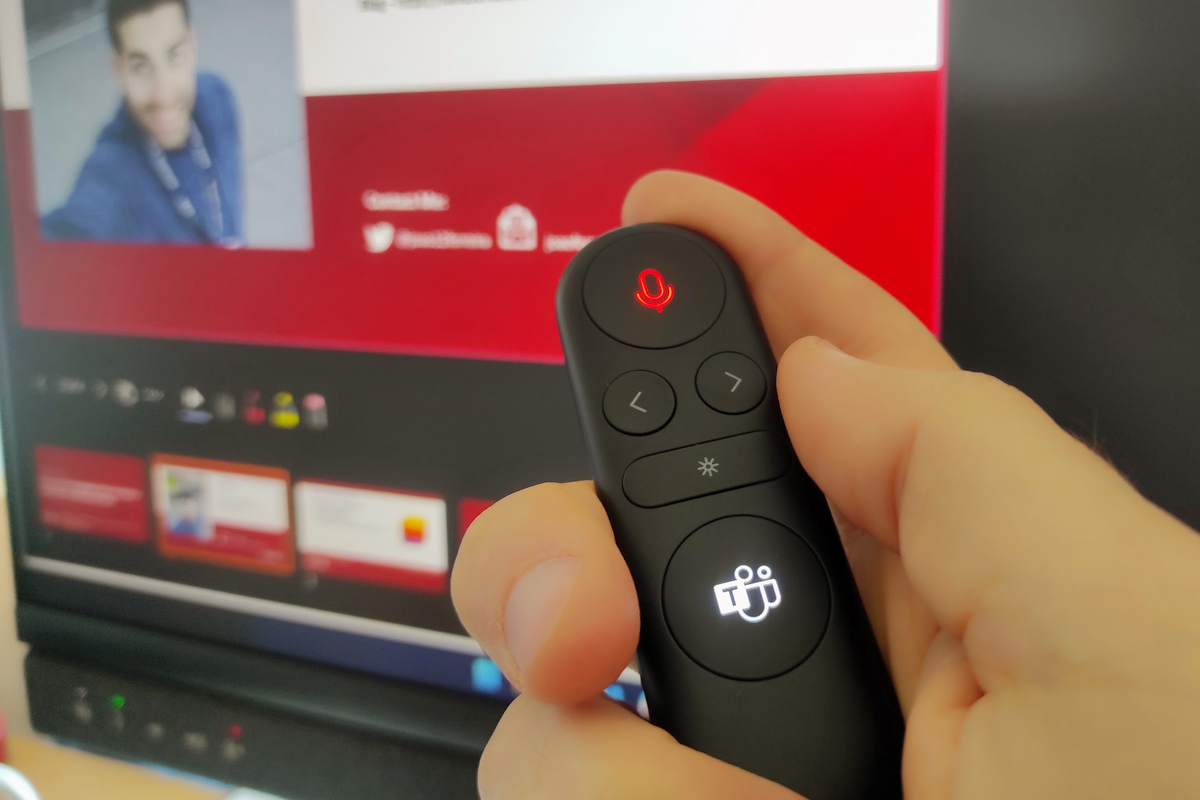
Power up your presentations with Microsoft Presenter+: A comprehensive review of the must-have Microsoft Teams device

Are you someone who frequently uses Microsoft Teams for work or school? If so, you might be interested in Microsoft Presenter+, a remote designed to enhance your Teams experience. In this comprehensive review, I’ll take a closer look at the device’s features and capabilities to help you determine whether it’s the right fit for you.

Microsoft Presenter+ is a certified remote that you can use for meetings and calls in Microsoft Teams for work or school. It allows you to deliver engaging presentations during online, in-person, or hybrid Teams meetings. Furthermore, you can use Microsoft Presenter+ to quickly join Teams meetings with the touch of a button, whether you’re sitting at your computer or stepping away from it.

Microsoft Presenter +

(more…)


I've been working with Microsoft Technologies over the last ten years, mainly focused on creating collaboration and productivity solutions that drive the adoption of Microsoft Modern Workplace.