

 HANDS ON SharePoint
 HANDS ON Teams
 HANDS ON Lists
 HANDS ON tek
 M365 Admin
When the Enter Key Became a Liability in Microsoft Teams
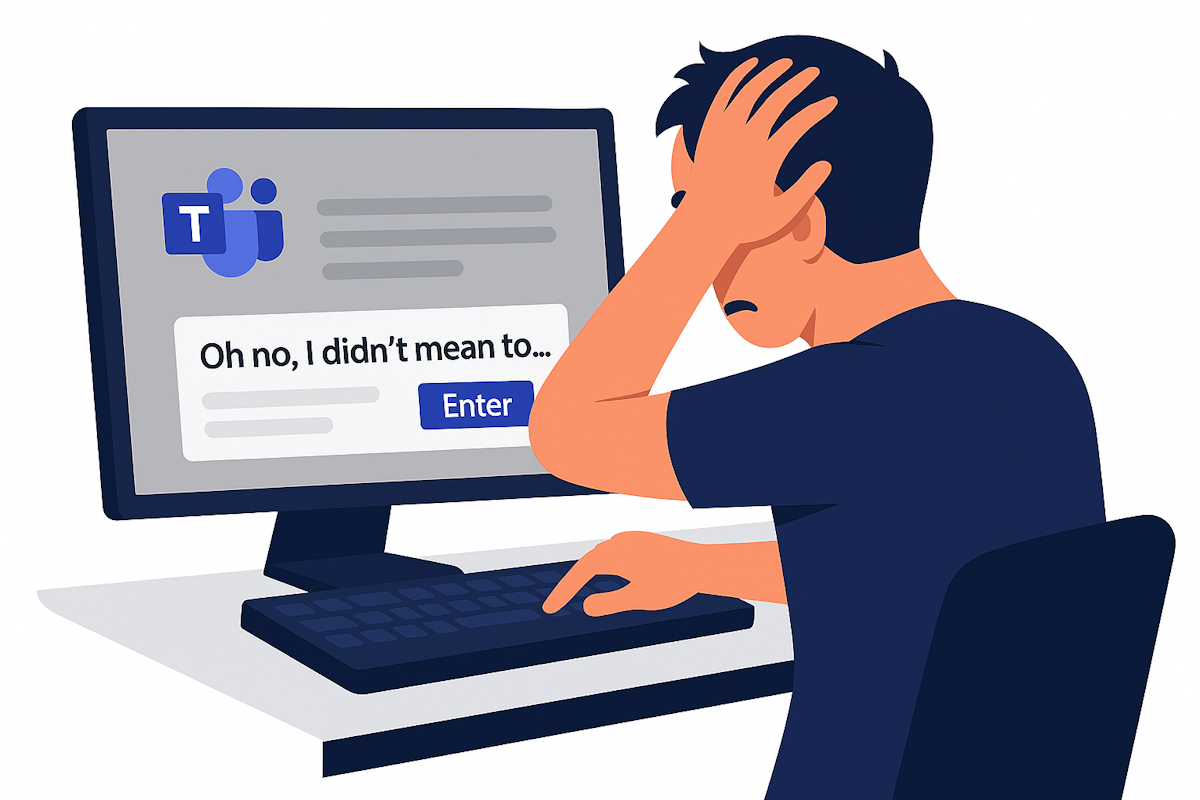
Anyone who uses Microsoft Teams long enough has a version of the same story. A message half written. A thought not finished. A finger moving faster than the brain. Enter gets pressed and the message is gone, delivered to a channel or a chat before it was ready.
For years, this was accepted as part of the rhythm of chat based work. Teams behaved like many messaging tools before it. Enter sends. Shift plus Enter buys you a new line. Once you learn it, you adapt. The problem is not learning the rule. The problem is that the cost of getting it wrong is public, permanent, and sometimes awkward.
A small setting that adjust to how people write
Microsoft Teams now allows each user to decide what happens when Enter is pressed while writing a message. You can keep the default behavior, where Enter immediately sends the message. Or you can switch it so Enter creates a new line instead.
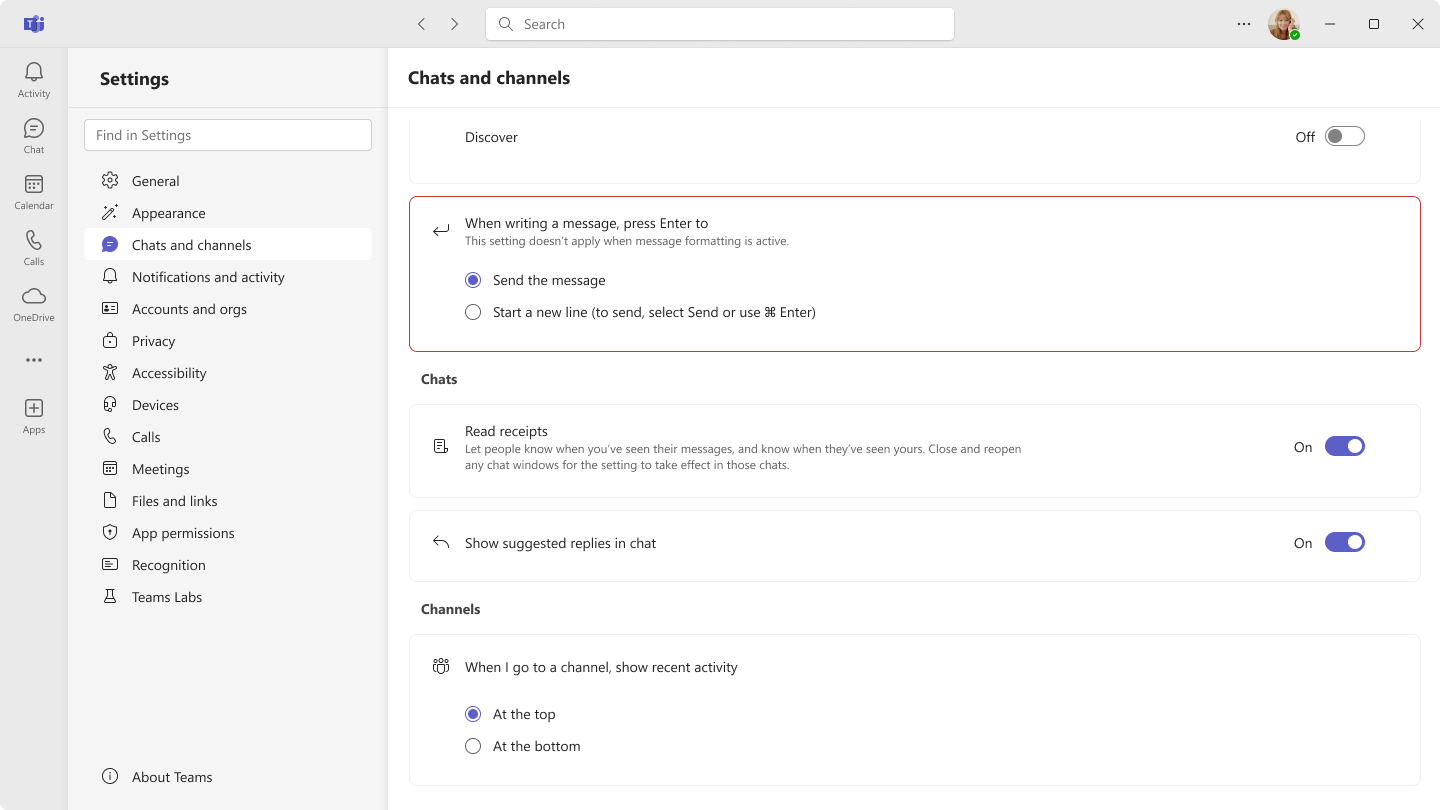
When the new line option is enabled, sending a message requires an explicit action. On Windows, messages are sent using Ctrl plus Enter. On macOS, the combination is Cmd plus Enter.
Shift plus Enter continues to insert a new line regardless of the setting. Teams also shows subtle hints in the compose box to remind users how messages are sent based on their current configuration.

This setting is available in Teams under Settings, then Chats and channels. It applies to the desktop and web versions of Teams, follows the user across devices, and does not require any administrator action.
Final Thoughts
This is one of those customization features that quietly makes a difference. There is no policy to configure, no rollout plan to manage, and no training session required. Users discover it, try it, and keep it if it fits the way they work.
That matters for adoption. When people can tailor small behaviors like this to their own needs, the platform feels less rigid and more personal. Teams stops being something you have to work around and starts behaving like a tool that works with you.
Sometimes the features that have the biggest impact are the ones that simply help people avoid sending the wrong message at the wrong time.






No comments yet