

 HANDS ON SharePoint
 HANDS ON Teams
 HANDS ON Lists
 HANDS ON tek
 M365 Admin
Microsoft Teams Audio‑Only Meeting Recording: How it Works and Why it Keeps Meetings Human
This is something I’ve experienced repeatedly, across very different types of meetings. The moment someone starts a recording in Microsoft Teams, cameras begin to turn off. It rarely happens all at once, but within seconds the meeting changes. Faces disappear, reactions become harder to read, and what was a conversation starts to feel transactional. You still hear voices, but the human layer is thinner. Facial expressions, pauses, empathy, all the small cues that help people connect are suddenly missing.
That reaction is usually not about disengagement. It’s about comfort. People join meetings from their homes, personal offices, or shared spaces they don’t want permanently captured. Being recorded on video in those environments doesn’t feel right for everyone, and that hesitation is entirely reasonable. Until recently, recording a meeting in Teams meant recording everything. If you needed a record of the discussion, you also asked people to accept being visually captured.
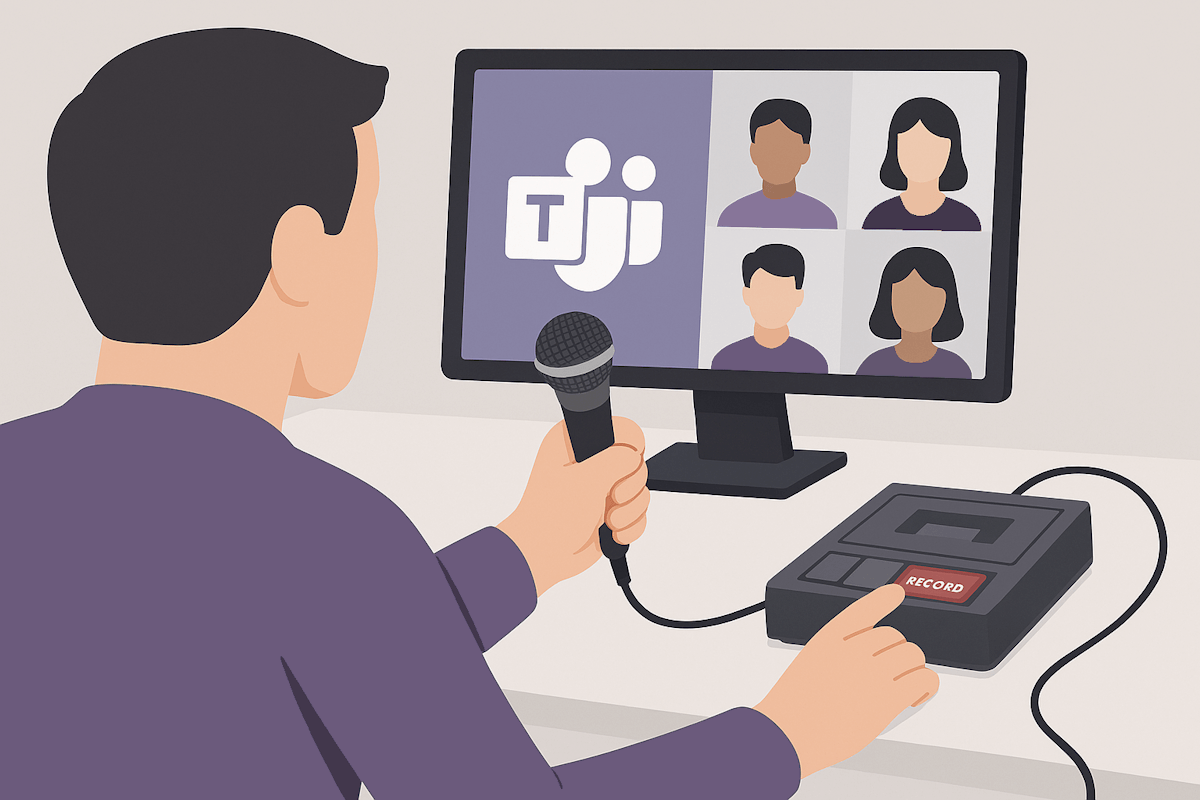
How to start an audio‑only recording in Teams
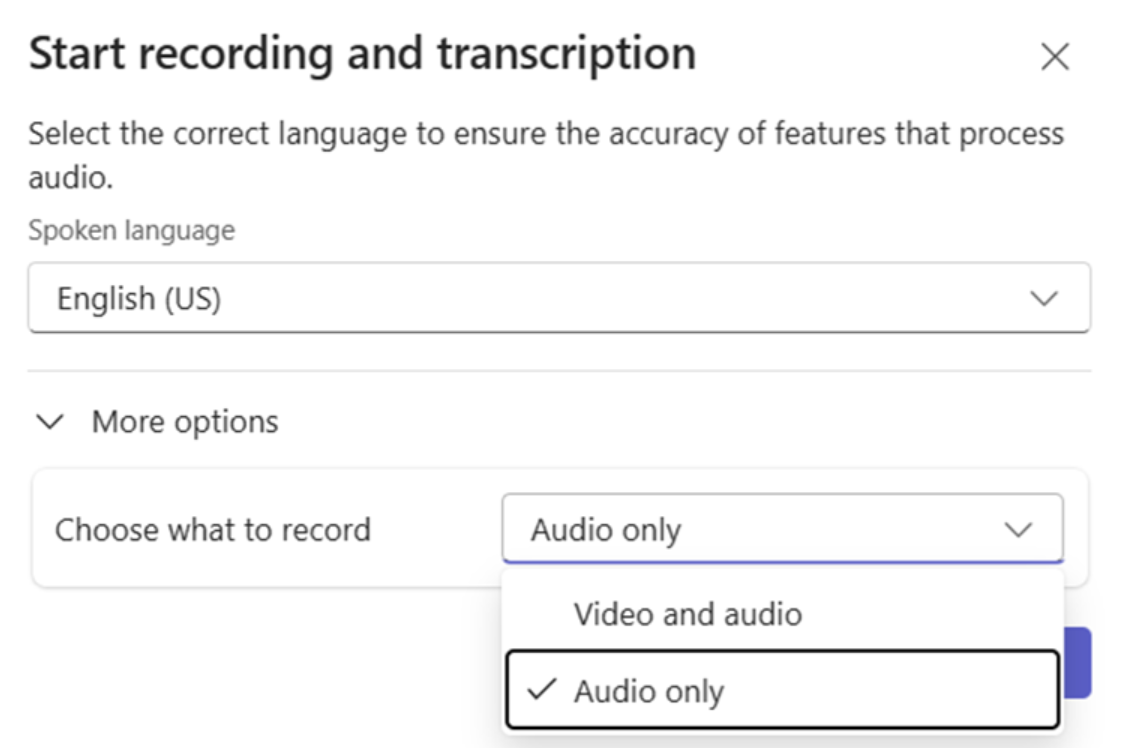
The experience is intentionally familiar. When you start a recording in a Teams meeting, you’re now given a choice between recording audio and video, or audio only. There’s no new policy to configure and no administrative setup required. The feature simply extends the existing recording flow.
During a meeting:
- Open More actions (…)
- Select Record
- From the Choose what to record dropdown, select Audio only
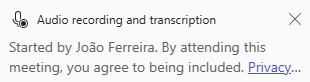
From the participant’s perspective, the meeting continues as normal. Cameras stay on, reactions stay visible, and the conversation feels more present. All users are notified that the recording will capture audio only.
Recordings created this way are clearly marked as audio‑only, and they do exactly what the name suggests. They capture everything that was said, but they don’t include any video streams and they don’t record shared screen content. What you’re left with is a clean record of the discussion itself.

Final Thoughts
This feature doesn’t remove the need for basic courtesy. Starting a recording, even an audio‑only one, should still be an explicit and transparent act. Asking the room if everyone is comfortable being recorded sets the tone, and when someone isn’t comfortable being on camera, audio‑only recording provides a respectful alternative instead of forcing a binary choice between “record everything” and “record nothing.”
Seen in that light, this isn’t just another checkbox in the Teams UI. It’s a recognition that meetings are human spaces, not just containers for content. Recording should support collaboration, not quietly undermine it.






No comments yet