

 HANDS ON SharePoint
 HANDS ON Teams
 HANDS ON Lists
 HANDS ON tek
 M365 Admin
What’s new for Microsoft Viva – August 2025
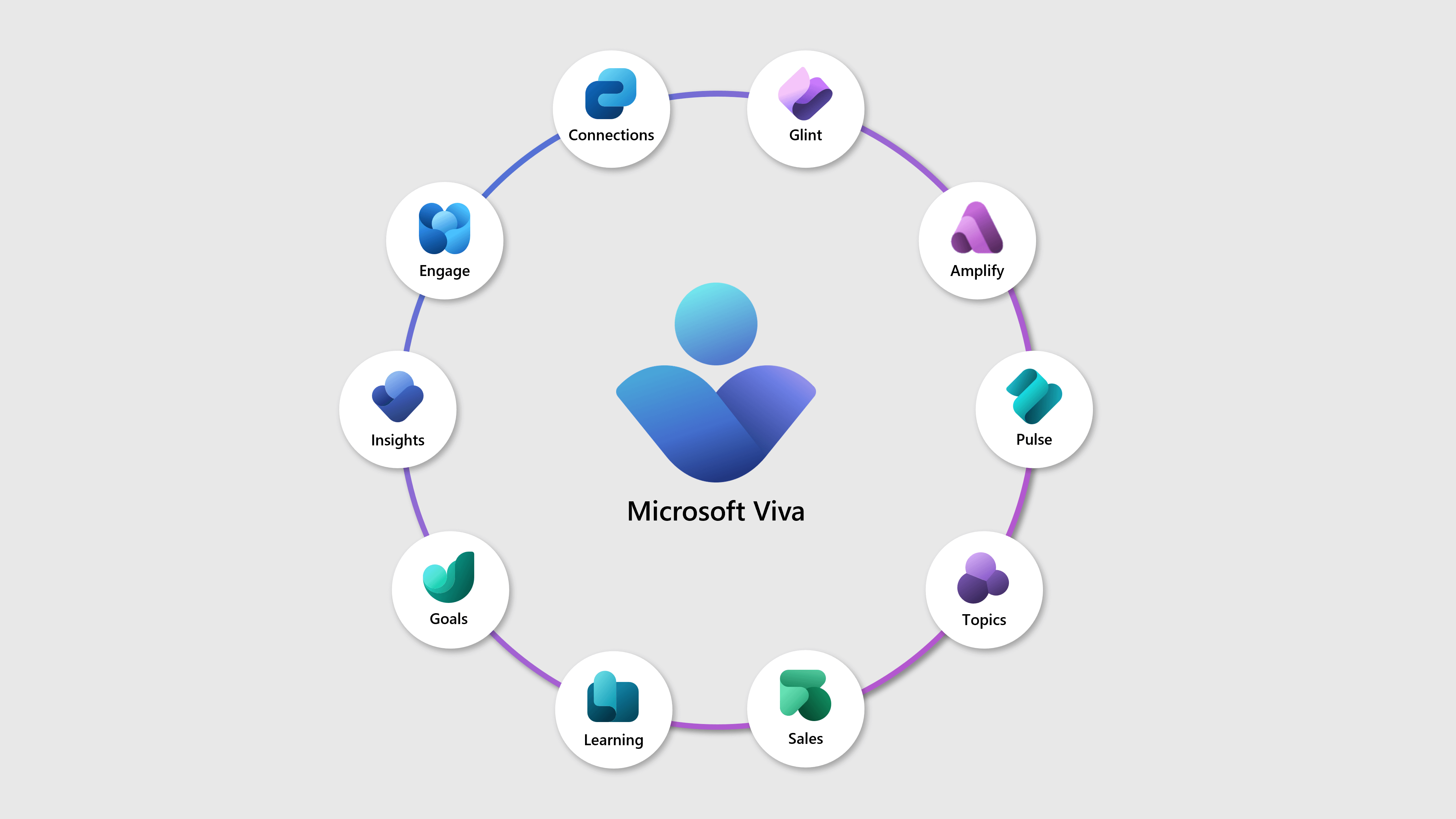
The August updates for Microsoft Viva were focused on the communications apps. Viva Connections, Viva Amplify, and Viva Engage all received interesting improvements, but here are the ones that stood out for me.
First, Viva Connections is making it easier to keep up with SharePoint news, it will send weekly Microsoft Teams notifications reminding users of unread SharePoint news from the past week. These notifications link directly to the Unread tab in Viva Connections and are enabled by default, though they can be managed in Teams settings.
Another highlight is AI‑generated audio briefings for SharePoint news in Viva Connections. This feature requires a Microsoft 365 Copilot license and offers hands‑free playback.
There’s more to explore this month, so keep reading to see all the updates and how they can help you improve communication and engagement across your organization.
AUG
4
Viva Learning: data export reporting now available
 Viva Learning
Viva Learning now offers data export reporting with six CSV files for detailed activity insights. Rolling out from mid-July to late July 2025, a new Data export tab will appear in the admin center. Access is managed via Microsoft 365 groups with no compliance issues identified.
Microsoft Copilot Studio – Analyze business impact of copilot studio agents in Viva Insights advanced insights
 Viva Insights
We are announcing the ability to Analyze business impact of copilot studio agents in Viva Insights advanced insights in Microsoft Copilot Studio. This feature provides an aggregated view for Insights Analysts to understand how their copilot studio agents perform and what business value they provide. This feature will reach general availability on September 1, 2025.
AUG
5
Microsoft Viva: Copilot Analytics – Copilot Studio agent report in Insights enhanced with autonomous agents
 Microsoft Viva
Enhancement to Copilot studio agents report (Viva Insights) – 1. Inclusion of agents with “generative” orchestration 2. Autonomous agent adoption and impact (maker led time and cost saving).
AUG
7
Microsoft Viva: Live event using Teams Town hall in Viva Engage
 Viva Engage
Community admins can now produce or stream their broadcasts using Teams Town hall, offering higher-quality production and enhanced functionality.
Microsoft Viva: Copilot Dashboard – M365 Copilot Chat adoption metrics
Microsoft Viva
Insights on M365 Copilot Chat adoption for users not licensed for M365 Copilot. Insights will include usage trends over time, adoption by group, retention, and app level breakdowns. Users can filter by organizational attributes to uncover adoption patterns. Admins can disable M365 Copilot Chat insights in Microsoft Admin Center.
AUG
8
Microsoft Viva: Storyline & Post Enhancements, Cover Photos, Drafts, AMAs, and More
Microsoft Viva
Over the course of the next few months, you’ll see a set of updates that make it easier to create, manage, and personalize posts in Viva Engage. These include Storyline cover photos and featured posts to further customize your Storyline page, the ability to draft and schedule posts in advance, support for AMAs, and the ability for a delegate to post-on-behalf-of on Storyline. Whether you’re a communicator, leader, or team member, these features will help you engage your audience with greater clarity and customizations.
Microsoft Viva: Update to SharePoint publishing limits in Viva Amplify
 Viva Amplify
Microsoft Viva Amplify is reducing the SharePoint publishing limit from 10 to 5 sites to improve performance and reliability. The change, rolling out globally by late August 2025, requires no admin action but may need internal documentation updates. Users can publish in batches if more than 5 sites are needed.

Viva Amplify: Copilot enhancements for smarter authoring
Viva Amplify
Viva Amplify’s Copilot now offers smarter authoring by using inputs like Word files and meeting content to create clearer, well-formatted communications. The update, available by default, unifies content generation across SharePoint and Viva Amplify with real-time output, requiring no admin action.
AUG
12
Viva Learning: Academy Auto Save and Draft
Viva Learning
Viva Learning premium admins now have Auto-Save and Draft Mode for Academies, allowing background saving and editing published Academies without affecting the live version until published. Additional features include discarding drafts, duplicating sections, and previewing. Rollout begins early August with no configuration needed.
AUG
13
Microsoft Viva: Viva Glint – Export Executive Summary report in Viva Glint to editable PowerPoint slides
 Viva Glint
Managers will be able to export the default sections from the Executive Summary report in Viva Glint directly to editable PowerPoint slides. This enhancement allows for easier and quicker consumption of this report outside Viva Glint, compared to the previous export method which included static screenshots.
Microsoft Viva: Copilot Analytics – Unified Exclusion list
Microsoft Viva
Unified Exclusion Lists in Copilot Analytics provide a single, streamlined way for admins to exclude users—both unlicensed and licensed—from all Viva Insights reports and Copilot Dashboard. This ensures consistent, privacy-compliant data control across the entire platform. Admins can manage exclusions easily through one list, simplifying configuration and safeguarding sensitive user data without impacting other organizational HR data.
AUG
14
Microsoft Viva: Copilot Analytics – Copilot Employee Experience Outcomes Report with Viva Glint
Viva Glint
A new Power BI report in Viva Insights highlights the relationships and impact of M365 Copilot usage on employee experience sentiment outcomes in Viva Glint. This report enables robust analysis by allowing users to slice and dice data based on Copilot usage segments, different sentiment outcomes and organizational attributes.
AUG
18
Manager insights now in Viva Insights web app, with new team view for Copilot Dashboard
Viva Insights
Manager insights in the Viva Insights web app will centralize manager tools, including a team-scoped Copilot Dashboard, additional reports, delegation, and analyst-published reports. This replaces the Viva Insights Teams app manager features, rolling out worldwide from mid to late September 2025 with no admin action required.
Live events using Microsoft Teams town hall in Viva Engage
Viva Engage
Microsoft is rolling out an enhanced Teams town hall experience in Viva Engage for live events starting September 2025. Community admins can choose between the new Teams town hall and legacy live events, offering higher-quality, large-scale event broadcasting with no required admin configuration.
AUG
19
Viva Glint: Export Team Summary report in Viva Glint to editable PowerPoint slides
Viva Glint
Viva Glint’s Team Summary report will soon export directly to editable PowerPoint slides, enabling faster, customizable presentations with improved layout and reliability. Rollout starts mid-September 2025. The screenshot export remains for custom templates. No admin action needed; inform users about the new feature.
AUG
21
Viva Glint: Focus area enhancements and retirement of goal periods
Viva Glint
Viva Glint will enhance focus areas by linking them to survey cycles and retiring goal periods, simplifying reporting and aligning with survey insights. The update rolls out mid-October 2025, requires no admin action, and retains all focus areas, including those without survey cycles.
Viva Engage: Public discussions now available in Workplace Search and Copilot Search
Viva Engage
Viva Engage public discussion posts will appear in Microsoft 365 enterprise searches on Office.com, SharePoint.com, and Copilot Search starting late August 2025. No configuration is needed; content visibility respects user access. Copilot licenses are required for Copilot Search. Admins should inform users and update documentation accordingly.

Viva Insights: New Power BI report for Microsoft 365 Copilot agent metrics
Viva Insights
Microsoft Viva Insights introduces a new Power BI report for Microsoft 365 Copilot declarative agents, providing leaders and admins with adoption trends, usage patterns, and detailed agent metrics. Public preview starts mid-September 2025; general availability begins December 2025. Privacy safeguards and preparation guidance included.

Unread News Notifications in Viva Connections
 Viva Connections
Viva Connections will send weekly Microsoft Teams notifications starting late August 2025, reminding users of unread SharePoint news from the past week. Notifications link to the Unread tab in Viva Connections and are enabled by default but can be managed in Teams settings. No admin action needed.
AUG
22
Viva Engage: Export event posts
Viva Engage
Viva Engage event organizers can export posts from the past 28 days as a .csv file, including content, status, timestamps, upvotes, and reactions. This feature, enabled by default and available on all platforms, rolls out worldwide from September 22-27, 2025, with tenant-level admin control.

AUG
26
Microsoft Viva : New Posts tab added to Communications dashboard
Microsoft Viva
Microsoft Viva is adding a new Posts tab to the Communications dashboard, allowing users to manage drafts, scheduled, and published posts, filter by ownership, and create posts directly. Rolling out mid-September to October 2025, it’s on by default with no admin action needed.

AUG
27
Microsoft Viva Engage: Smarter delivery of Community Announcement notifications
Viva Engage
Microsoft Viva Engage will roll out smarter Community Announcement notifications in September 2025, delivering alerts via the user’s most engaged channel (Teams, Mobile Push, or Email) to reduce notification fatigue. Secondary notifications follow if unopened. This uses recent user behavior data and respects notification preferences.
AUG
28
Microsoft Viva: Copilot Dashboard – Broader access to M365 Copilot Chat insights
Microsoft Viva
Microsoft Viva is expanding access to M365 Copilot Chat Insights in Microsoft Copilot Dashboard by removing the requirement for 50 M365 Copilot licenses, allowing more tenants, including those with fewer licenses, to track adoption trends. Insights will include usage over time, group level adoption, retention, app-level breakdowns, retention, and more. Users can filter by organizational attributes to uncover usage patterns.
Microsoft Viva: Viva Engage – Move conversation feature toggle
Viva Engage
Engage admins and network admins can change access to the move conversation feature with this new toggle. This feature helps customers manage how messages move across communities. When disabled, only admins, corporate communicators, community admins, and community experts can move conversations. When enabled (default), any user with access to a conversation can move it.
Microsoft Copilot dashboard (in Viva Insights): Adoption metrics for Microsoft 365 Copilot Chat
Viva Insights
Microsoft is adding M365 Copilot Chat adoption metrics to the Microsoft Copilot dashboard in Viva Insights, showing usage trends and engagement of unlicensed users. Available from late September 2025, it includes admin controls for disabling the feature or excluding users, enhancing reporting and compliance capabilities.
AUG
29
Microsoft Viva: Glint – User Schema Enhancements – Custom Age and Tenure Derivations
Microsoft Viva
This feature enables Viva Glint admins to create and manage custom age and tenure derivations directly within the platform. It empowers admins to easily update and maintain the structure of user data without requiring support.
Microsoft Viva Engage: Modernized Private Content Mode
Viva Engage
Microsoft Viva Engage introduces a modernized Private Content Mode allowing Verified and Engage admins to view and moderate conversations in private communities without membership. Enabled via a toggle, it supports moderation actions while preserving privacy limits. Rollout begins mid-September 2025, with audit logging and compliance updates included.
Microsoft Viva: AI-generated audio briefings for SharePoint news in Viva Connections
Viva Connections
Microsoft Viva introduces AI-generated audio briefings for SharePoint news in Viva Connections, requiring a Microsoft 365 Copilot license. Launching August 28, 2025, it offers hands-free playback with controls on Teams, Surface, and web, enhancing accessibility and productivity without admin setup.

Listen to the latest updates
This month’s update is now also available as a podcast! If you prefer listening over reading, or want to catch up on the latest SharePoint developments while commuting or running, you can now tune in on Spotify and YouTube.
The podcast features AI hosts Maria and John, who dive into the same updates covered in this post but through a conversational format. John brings his technical analyst perspective with attention to detail, while Maria focuses on the strategic implications and user experience impact. As the prompt director, I guide the conversation to ensure we’re covering what matters most for your day-to-day work.
This is an experiment in making tech updates more accessible, so I’d love your feedback on this format. Give it a listen and let me know what you think!






No comments yet